
Computers/Tablets: Can I pop-up tools and the Color Wheel?
Select the [≡] menu in the upper left of the Tool palette, then Pop-up related palettes for each tool.
Directions
1. Open the Tool palette.
2. Select the ≡ menu in the upper left > Pop-up related palettes for each tool.
3. Press Tools to pop up the Tool Group and the Tool Settings palettes.
Select color box to display the Color Wheel and Color Set palettes.
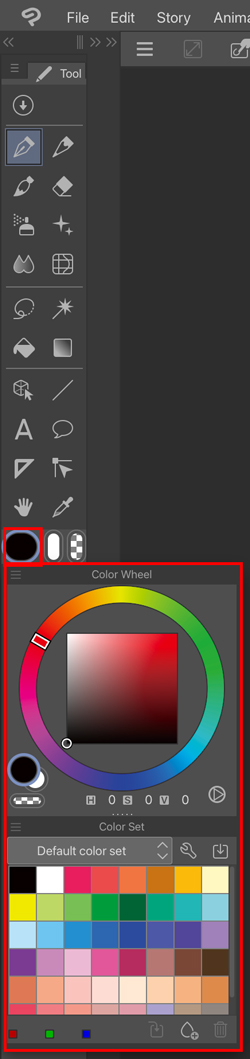
4. Tap outside the palette to hide the pop-up.
If the feature is not available
This feature is limited to Ver. 5.0 or later.
Please update to Ver. 5.0 or later.
Check out which license is needed to use a later app version from the page below.